You can use the Fund Management feature to export an Excel Spreadsheet that will list all funds used across all Client Plans in your account. This is a great way to export all of your Plan Information in your FirmPlus account to a spreadsheet for other purposes!
Information in the exported Excel Spreadsheet includes:
| Fund Level Information | Plan Level Information (by fund) |
| Ticker Symbol | Recordkeeper |
| Fund Family | Plan Total Assets |
| Asset Category | Fund Score |
| Total Assets (across all client Plans) | Fund Status |
| Number of Plans | Recommended Status (If you're using Plan Advice Manager) |
| Pass / Fail Status |
Export Excel Spreadsheet
Once logged into FirmPlus, navigate to the menu bar at the top of the page, hover over the Take Me To dropdown, and click Fund Management.
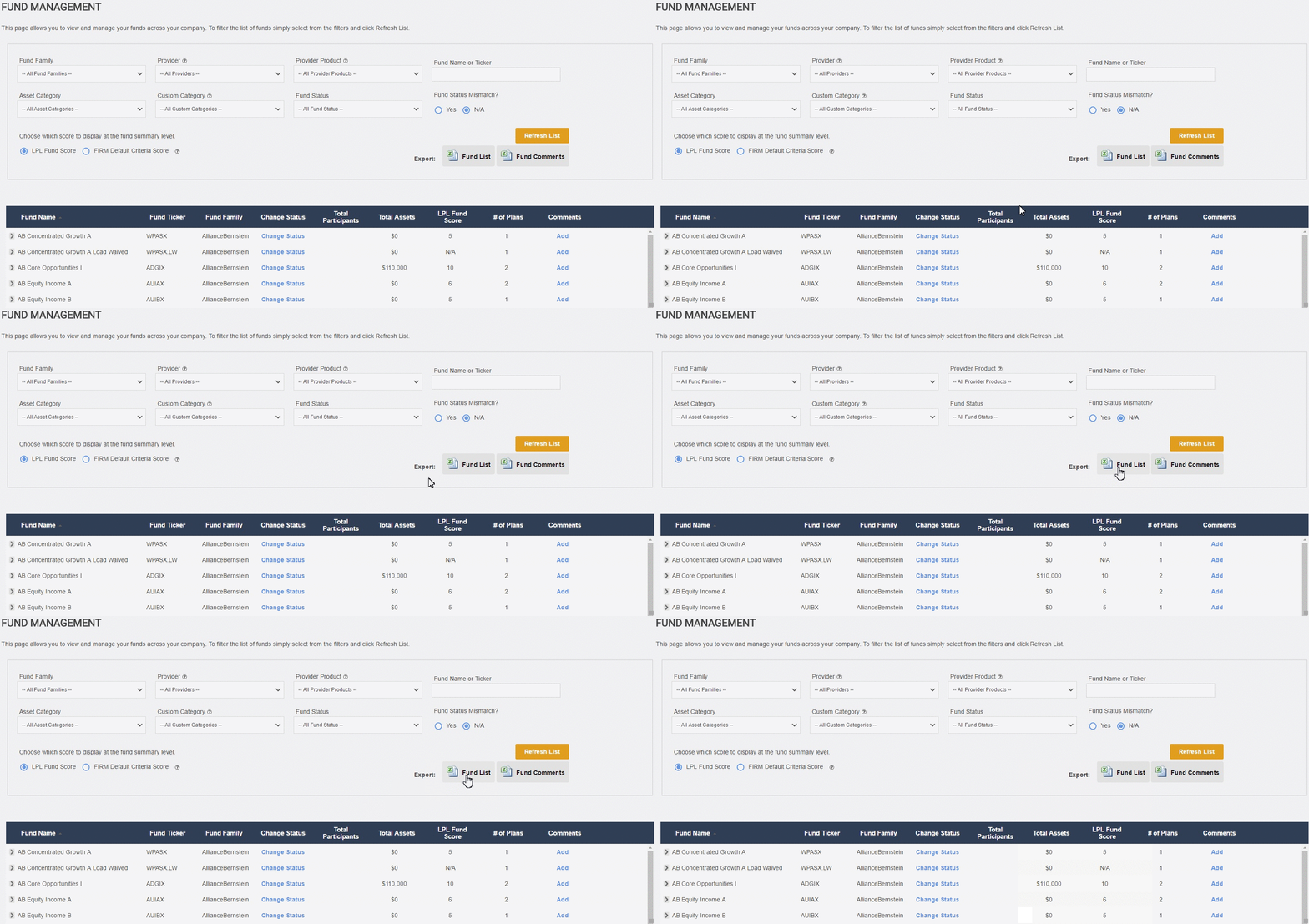
- Set your search filters (or do not set any filters).
- Click the Refresh List button to the bottom right of the filters.

- Export the list by clicking on the Fund List button, this will prompt a Fund Management Excel Export popup that will notify you that you'll be able to see your requested report in the Export Archive tab.

- Once the download has completed, the document will be stored in the Archived Exports tab, and stay there for 180 days.
-
The table will provide you with the following
Export Type The file type that has been generated, a Fund List or Fund Comments. Status If the request is NEW or Complete. A Complete status is also a hyper link to download your Export document. Creation Date The Day, Month, Year, and Time the request was made. 
Notes
Depending on the number of Funds and Plans in your account the export can take anywhere from a few seconds to a few minutes.