
If you have feedback or ideas for new features for FirmPlus, please send those to Fi360Support@broadridge.com.
We would love to hear from you!
Recordkeeper Plan Data Import
The Recordkeeper plan data import process has been updated to make it easier to know when actions need to be taken and when new plan data is available for import. See below for the specific changes made in FirmPlus.
Plan List
For any Plan you have linked to a Plan Data Feed, the Provider Data column has been updated to display a red warning icon when the fund mapping from the data feed to your lineup in FirmPlus needs to be updated. This can appear when the mapping has not been completed, or when the most recent monthly data feed has new funds / fund changes that require the fund mapping to be updated.

Fund Lineup
When accessing a Plan that is linked to a Plan data feed, you will see a new notification icon, and changes to the import status colors.
Notification Icon
The new notification icon will appear to the right of the Manage RK Plan Data button when the most recently month of the plan data feed has not been imported. If you hover over the notification icon it will display the as-of date of the most recent data.

Manage RK Plan Data Status Colors
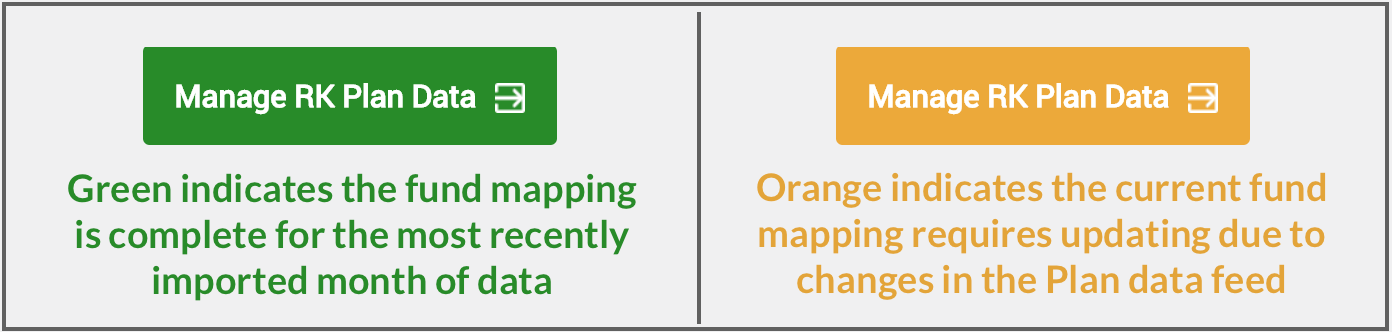
A few updates have been made to the Manage RK Plan Data button. When the Manage RK Plan Data button displays in orange, this means there is required action on the current fund mapping. When the button displays in green, this means the fund mapping is complete for the month of data most recently imported.
Plan Data Import and Mapping Process
When clicking on the Manage RK Plan Data button you will be taken to the Fund Mapping screen where we have updated and improved the fund mapping process and features.
Use Provider Product for Fund Mapping
Selecting the Use Provider Product for Fund Mapping allows you to utilize the Provider Product that is selected on the Plan Info page for your fund mapping purposes. This is will attempt to match each investment option from the Recordkeeper data feed with a fund available on the selected Provider Product list.

Change Fund Mapping
If you need to change / update your fund mapping, you can now do so by clicking the Change link that appears in the Fund Mapping column for any previously mapped fund. This will allow to choose a new fund mapping option.
