You can display your Customer or Prospect's logo on the cover page of reports you generate in FirmPlus. Their logo will display directly below the Plan Name on the report cover page. An example of how this will display can be downloaded here.
Add a Customer / Prospect Logo
- Hover over the Companies dropdown in the navigation menu at the top of the screen. Click Customers or Prospects.
- From the list of Companies, select the company you wish to add a logo to.
- In the Customer Info widget, click the Choose File button in the Logo field.
- Select the image file from your computer.
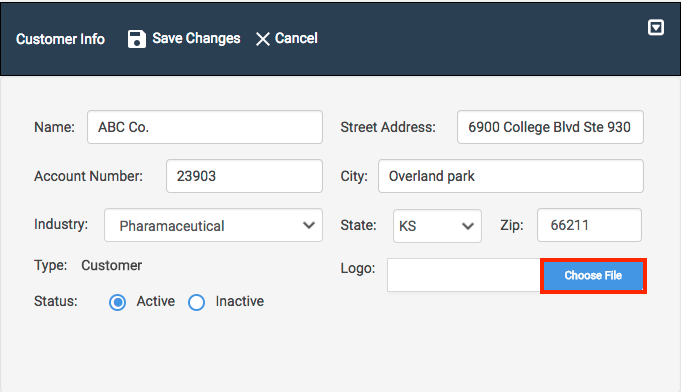
- Click Save Changes to add the logo to the company.
The image file type you choose for your Customer / Prospect's logo must be in either JPEG, PNG, or TIFF format.