Prospect profiles can be created for your clients. You can link Plans, RFPs, and Activities,to your Prospects. Multiple Plans can be tied to a single Prospect which is great for clients with multiple Plan options.
Creating a Prospect
- Hover over the Companies dropdown in the navigation menu at the top of the screen, then click Prospects.
- On the Prospect List page click the Add Prospect button.
- On the Prospect screen enter the contact information for your client in the Prospect Info section.
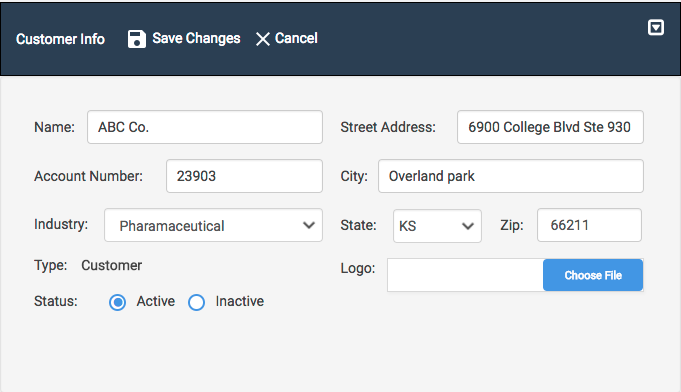
- Click the Save Changes to save your new Prospect.
Once your Prospect is created you can Link Plans and RFPs to your Prospect. You can also create new Activities.
Converting Prospects to Customers
If you win the business of your prospect (and we hope you do!) you can easily convert the Prospect to a Customer.
- Hover over the Companies dropdown in the navigation menu at the top of the screen, then click Prospects.
- On the Prospect List page click the name of the Prospect you wish to convert to a Customer.
- Click the Edit (pencil) icon next to "Plan Info"

- Click in the Type drop-down box and click Customer in the drop-down list.

- Select the Status as Active or Inactive.
- Click Save Changes.
This client will now appear in your Customers list.