Plan Complexity allows you to answer questions related to Plan Design and benchmark your responses against the Plan's peer group. Questions cover features such as Investment Options, Contributions, and Automatic Plan Features.
Accessing Plan Complexity
- Access the Plan List screen by clicking Plan List in the navigation menu at the top of the page.
- Click on a Plan Name.
- Click the hamburger menu icon in the upper left-hand corner next to the FirmPlus logo. The menu will slide in from the left.
- Click the Setup option toggle.
- Click Plan Configuration and then Plan Complexity in the expanded menu.
Answering Plan Complexity Questions
- For each Plan Complexity Question, mark the radio-button and/or enter a numeric response for the answer that applies to the Plan.
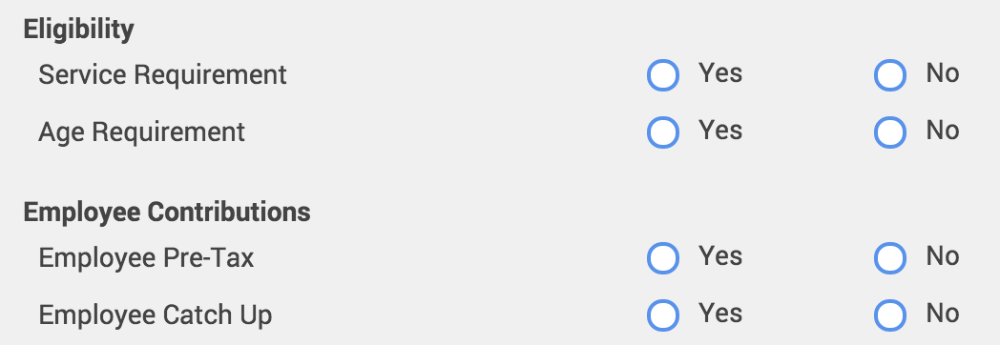
- Click Save when you are finished to save your data.