Plan Contacts is where you can store the Plan Sponsor's contact information, as well as enter contact information for additional Advisors on the Plan.

Accessing Plan Contacts
- Access the Plan List screen by clicking Plan List in the navigation menu at the top of the page.
- Click on a Plan Name.
- Click the hamburger menu icon in the upper left-hand corner next to the FirmPlus logo. The menu will slide in from the left.
- Click the Setup option toggle.
- Click Plan Configuration and then Plan Contacts in the expanded menu.
Contacts

Plan Sponsor Contact Information
- Click the Contacts tab.
- Enter the Plan Sponsor's contact information for the Plan. This data does not display in reports.
- Click Save.
Additional Advisors
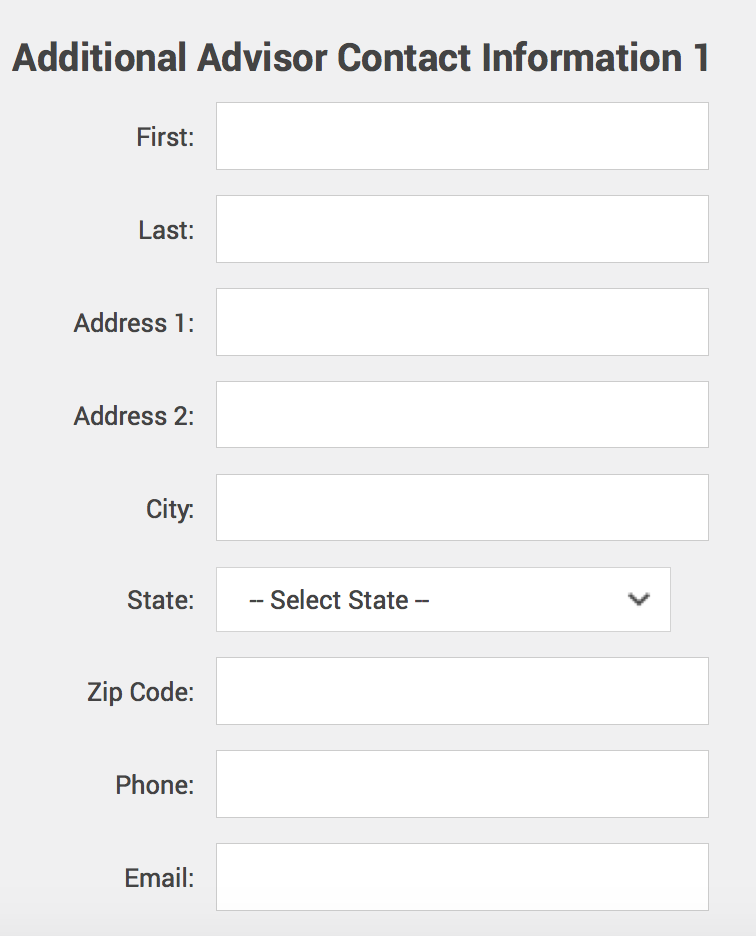
You can enter two additional Advisor's Contact Information that will appear on your Report cover pages.
- Click the Additional Advisors tab.
- Enter the Advisor contact info info.
- Click Save.